It is 4:30 PM on a Friday. An employee walks into your office, visibly stressed, and hands you a doctor’s note stating they need to take six weeks off starting Monday.
If you are a solo HR manager or a small business owner, your mind immediately starts racing: Does this qualify for FMLA? What notices do I legally have to send? What are the deadlines? And where did I save that tracking spreadsheet?
For small HR teams, establishing a compliant leave of absence tracking system is not just an administrative task—it is a high-stakes legal process. Mismanaging a leave request can result in federal fines, employee lawsuits, and compliance audits.
Sources and review notes
This article is written for U.S. small-business HR teams in 2026 and should be checked against your own policy, state requirements, and counsel guidance before use in a contested employment decision. AI SoloHR provides workflow structure, reviewed drafting support, and educational resources; it does not provide legal advice or make final employment decisions.
Statutory Sources & Regulatory Citations
This compliance document references official regulatory guidance from federal employment enforcement agencies:
In this guide, we will share how to set up a compliant leave of absence tracking system, highlighting the exact pitfalls that often lead to legal investigations.
💡 Free Resource: If you need an immediate compliance framework, you can download and use our free fmla tracking checklist to standardize your intake process and avoid manual calculation errors.
1. The Legal Landscape of Leave of Absence Tracking
When an employee requests extended time off for medical or family reasons, standard PTO rules go out the window. You are no longer tracking hours; you are managing legally protected leave.
The three primary legal frameworks you must track include:
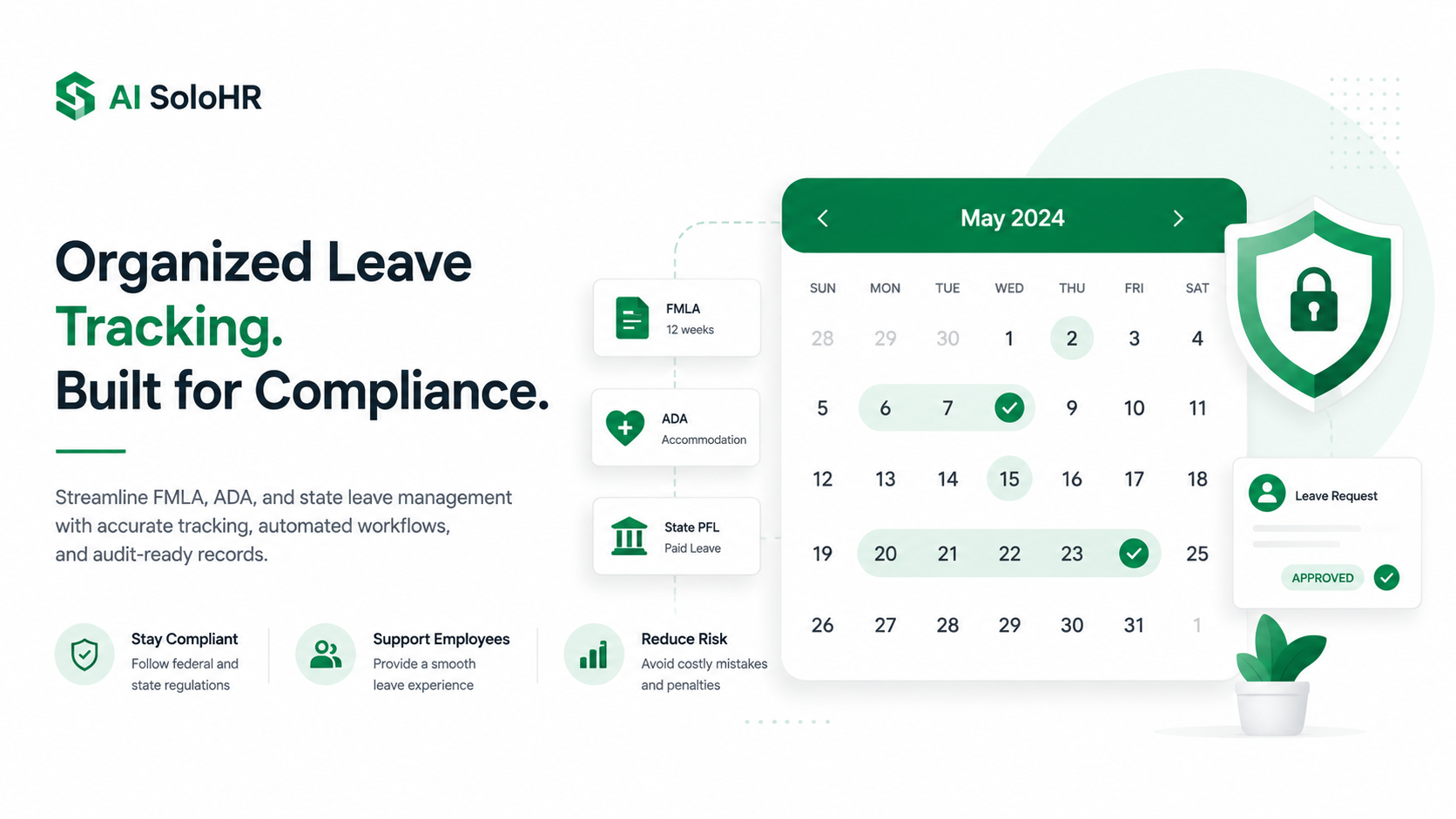
The Family and Medical Leave Act (FMLA): Federal law administered by the U.S. Department of Labor (DOL) granting eligible employees up to 12 weeks of unpaid, job-protected leave per year for specified family and medical reasons.
The Americans with Disabilities Act (ADA): Enforced by the Equal Employment Opportunity Commission (EEOC), this law requires employers to provide reasonable accommodations to employees with disabilities, which can include extended leave.
State Paid Family Leave (PFL) Laws: Varies by state (e.g., California’s EDD, New York’s PFL), offering paid benefits that run alongside or extend federal protections.
The FMLA and the '50/75 Employee' Threshold
Many small business owners assume FMLA does not apply to them. However, under the federal 50/75 rule, your business is covered if you employed 50 or more employees for each working day during each of 20 or more calendar workweeks in the current or preceding calendar year.
Crucially, these employees must work within a 75-mile radius of the employee requesting leave. If you are close to this threshold, implementing precise leave of absence tracking for headcount geography is part of your compliance checklist. Additionally, you must verify the employee has worked at least 1,250 hours during the 12 months immediately preceding the start of the leave.
Only actual hours worked count toward this total; paid holidays, vacation days, or prior periods of sick leave do not.
State-Level Paid Family Leave (PFL) Interlacing
For employers with remote teams or multiple offices, manual leave of absence tracking becomes exponentially harder. If an employee resides in a state with active PFL laws (such as New York or California), you cannot just track federal FMLA.
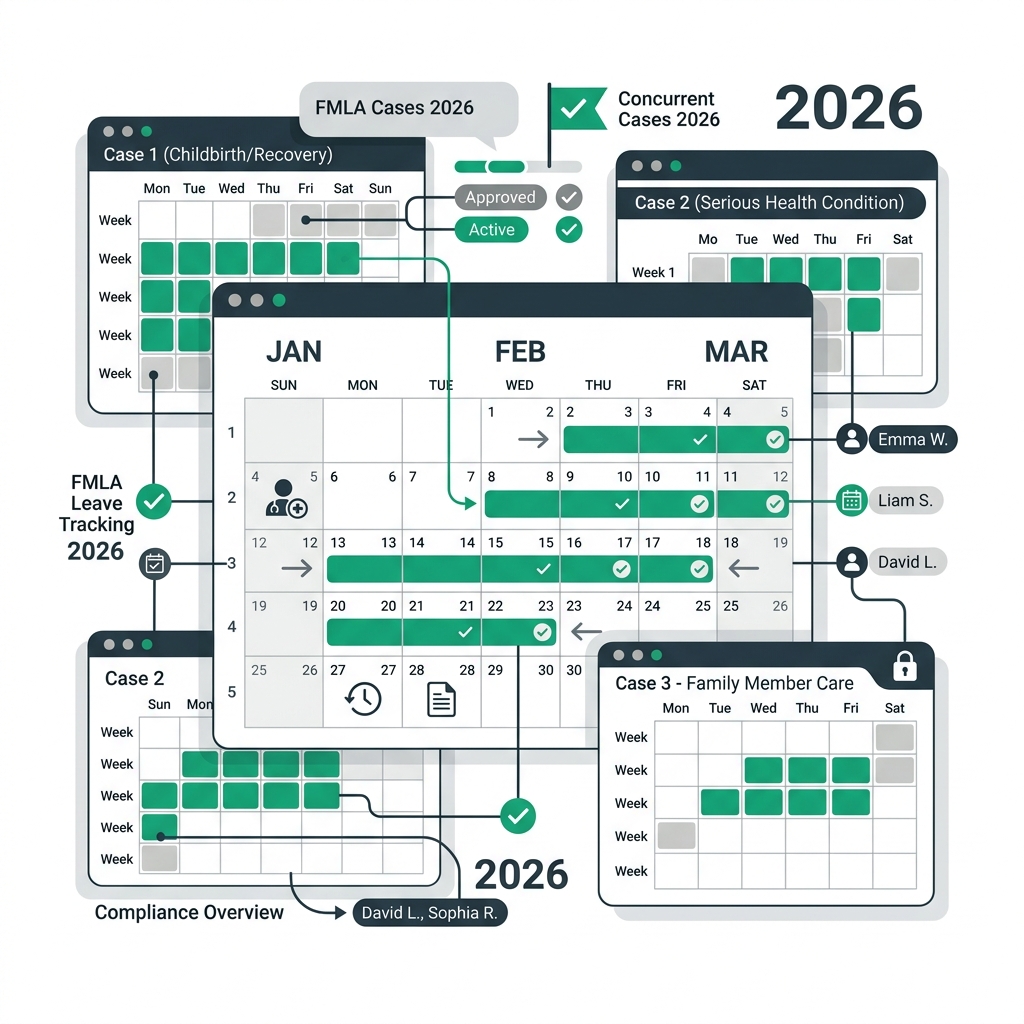
Consider this scenario: A manager at a 65-employee manufacturing firm approved an employee's request for California Paid Family Leave (PFL) but failed to formally initiate FMLA paperwork. The employee took 8 weeks of paid leave, returned to work, and then legally requested an additional 12 weeks of unpaid FMLA.
Because the HR department had not formally run the two leaves concurrently, they were legally forced to grant a total of 20 weeks of leave, crippling their production schedule.
2. The Financial and Legal Risks of Spreadsheet Tracking
Most small businesses start their leave of absence tracking journey with manual spreadsheet tools. In our experience working with lean HR teams, this spreadsheet reliance is the single biggest cause of compliance audits.
Missing the Strict 5-Day Eligibility Notice Window
FMLA leave of absence tracking requires absolute precision. Once you become aware that an employee's leave may qualify for FMLA, you have exactly five business days to provide them with the official Form WH-381 (Eligibility and Rights Notice). A spreadsheet won't alert you when this deadline is approaching.
One HR manager we spoke with copied a tab in Google Sheets to track a new case. During the copy, a cell reference broke, hiding a pending notice deadline. The notice was sent three weeks late. During a subsequent DOL audit, this single delay resulted in a compliance violation and a substantial penalty because the delay interfered with the employee’s right to plan their medical treatment.
Violating ADA and HIPAA Medical Record Confidentiality
FMLA medical certifications and ADA interactive notes contain highly sensitive medical histories. Under both ADA and HIPAA regulations, medical records must be kept completely separate from general personnel files and restricted strictly to authorized HR personnel.
Storing medical forms in a shared Dropbox, Google Drive, or a local server where department managers can view them is a direct compliance violation. Similarly, writing specific medical diagnoses or symptoms in a shared Excel spreadsheet violates employee privacy laws.
If a manager bases a promotional decision on information seen in a shared leave of absence tracking sheet, you are open to an ADA discrimination lawsuit.
3. A Compliant Leave of Absence Workflow: From Intake to Reinstatement
To protect your organization, every leave request must follow a standardized, legally compliant pipeline.
The 15-Day Medical Certification Window (And the 7-Day Cure Process)
Once you issue the eligibility notice, the leave of absence tracking timeline requires the employee to return the completed medical certification (Form WH-380-E or WH-380-F) within 15 calendar days.
If the employee fails to return the form on time, or if the form is incomplete or vague, you cannot immediately deny the leave. You must document that you followed up, and if the form was deficient, you must notify the employee in writing and give them at least 7 calendar days to "cure" the deficiency by specifying what information is missing.
Only after this cure period expires without a response can you begin the process of denying FMLA protection.
The FMLA-to-ADA Transition (When 12 Weeks is Not Enough)
When standard FMLA leave of absence tracking transitions into an ADA interactive process, a common gotcha occurs. When the employee's 12 weeks of FMLA expire, their doctor may write a note stating they need an additional 4 weeks of recovery.
You cannot automatically terminate the employee for failing to return. Under the ADA, you must engage in a dialogue with the employee to evaluate whether extending the unpaid leave is a "reasonable accommodation" that does not cause "undue hardship" to your business operations. Review our ADA interactive process checklist to structure this transition safely.
Summary Comparison of Protected Leave Frameworks
| Compliance Metric | Federal FMLA | Americans with Disabilities Act (ADA) | State Paid Family Leave (PFL) |
| :--- | :--- | :--- | :--- |
| **Primary Purpose** | Up to 12 weeks job-protected unpaid leave. | Reasonable accommodations for disabilities.
| Paid family care or personal medical leave. |
| **Employer Threshold** | 50+ employees (within a 75-mile radius). | 15+ employees. | Varies by state (often 1+ employees). |
| **Employee Eligibility** | 1,250 hours worked over past 12 months.
| Qualified individual with a disability. | Varies (often short tenure or minimum wages). |
| **Job Reinstatement** | Mandatory (to equivalent position). | Mandatory (unless undue hardship exists). | Varies by state (usually mandatory). |
| **Paid Status** | Unpaid (employees can substitute accrued PTO).
| Unpaid (as an accommodation). | Paid (state disability/insurance fund funded). |
Related Guides in this Cluster
To further streamline your workflow and navigate specific leave compliance rules, explore our focused guides:
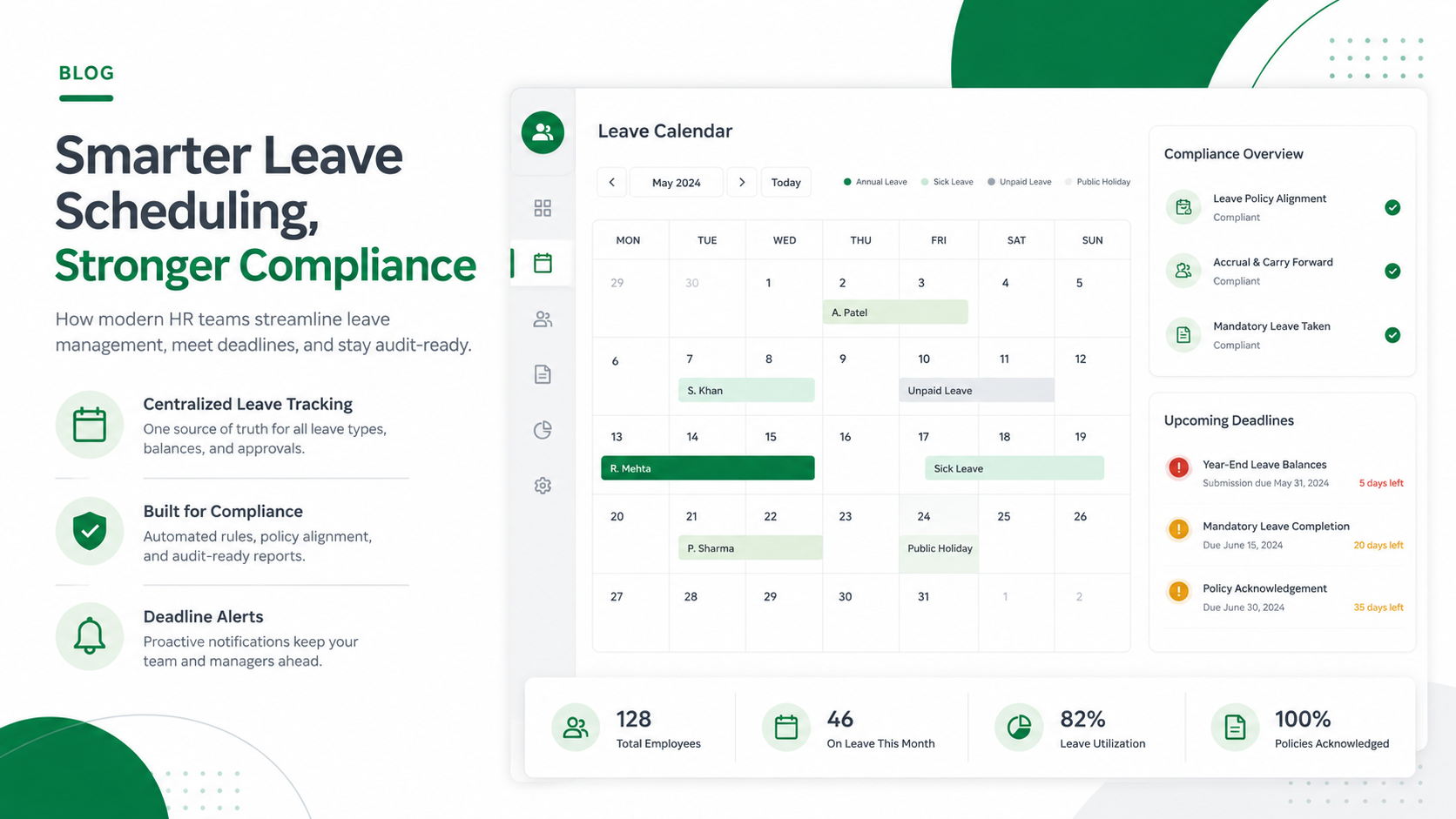
If you are managing HR alone or with a small team, keeping track of dates, documents, and state laws is overwhelming. To streamline your leave of absence tracking, businesses are moving toward case-based HR tracking software. A professional system ensures:
Automated Deadlines: System alerts remind you to send eligibility and designation notices within the 5-day legal windows.
Granular Permission Controls: Medical documentation is stored in a secure, encrypted vault, completely separated from standard payroll or employee profiles.
Unified Timelines: Managers can view communication logs, task checklists, and return-to-work dates in one centralized case file.
At AI SoloHR, we built our platform specifically to solve these compliance headaches. When you create an FMLA case, the system dynamically generates your checklist, keeps track of the 15-day certification window, and isolates medical documents in a secure, restricted database—ensuring your records are audit-ready without the spreadsheet anxiety.
Ready to secure your leave of absence tracking workflow? Learn how AI SoloHR can help you manage FMLA case tracking tools or explore our library of compliant templates.
Frequently Asked Questions
Can small businesses deny FMLA leave?
Only if the business does not meet the coverage criteria, or if the employee is ineligible. Small businesses with fewer than 50 employees within a 75-mile radius are exempt from federal FMLA. However, you must check state-level PFL and sick leave laws, as many states enforce job-protected leave for employers with as few as one employee.
Do remote workers qualify for FMLA?
Yes, remote workers qualify under specific rules. An employee's FMLA worksite is the office to which they report. If that physical office has 50 or more employees within a 75-mile radius, the remote worker is covered once they meet the 12-month and 1,250-hour requirements. Modern leave of absence tracking systems can automatically verify these geographical thresholds.
What happens after FMLA leave expires?
If an employee cannot return to work after exhausting their 12 weeks of FMLA, you must transition the case to an ADA assessment. This involves starting the interactive process to discuss accommodation options, such as a short-term leave extension, a modified schedule, or light-duty work, before taking any disciplinary action.
Disclaimer: The information provided in this article does not, and is not intended to, constitute legal advice; instead, all information, content, and materials available on this site are for general informational purposes only. Readers should contact their attorney to obtain advice with respect to any particular legal matter.